Passwords and logins
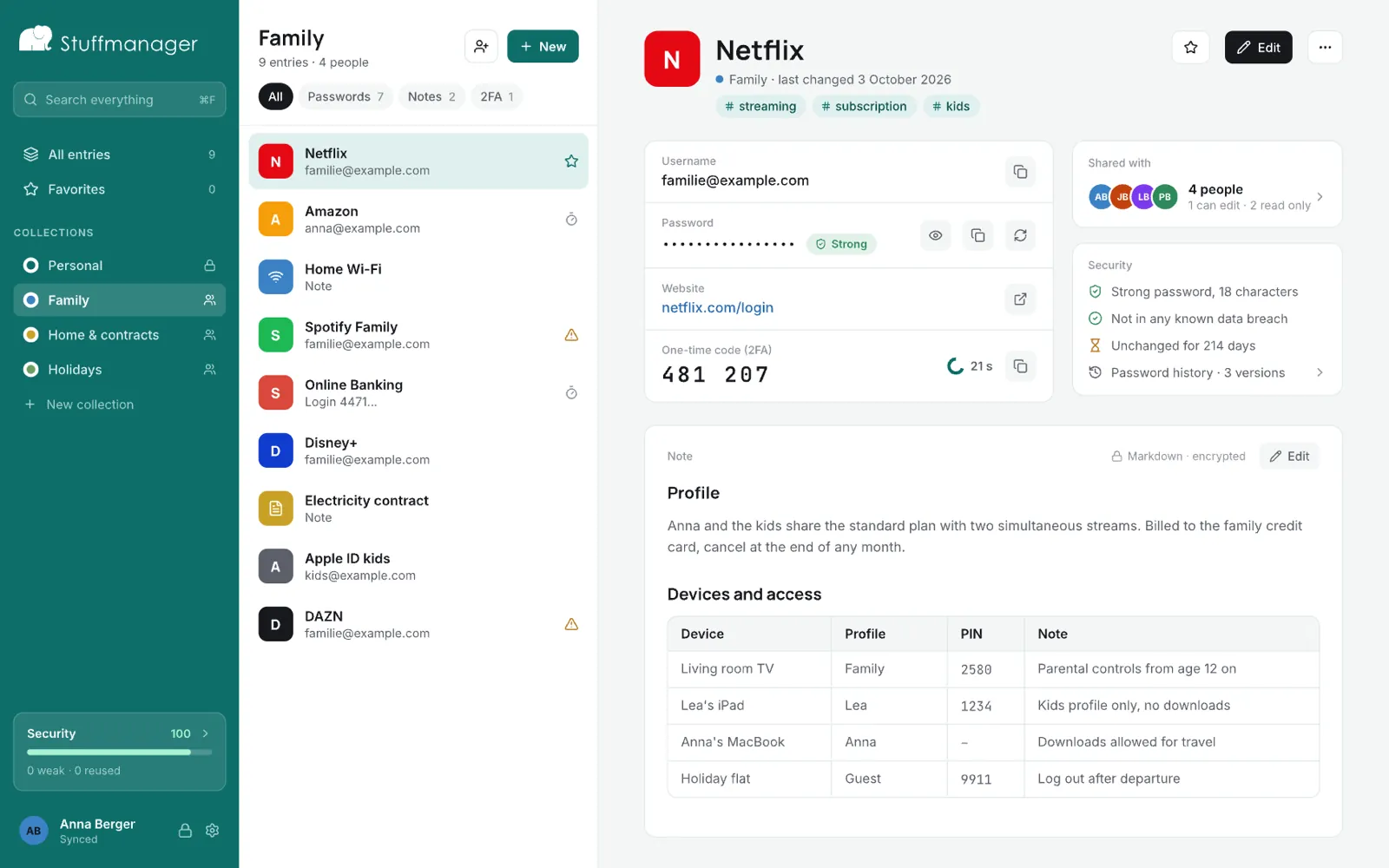
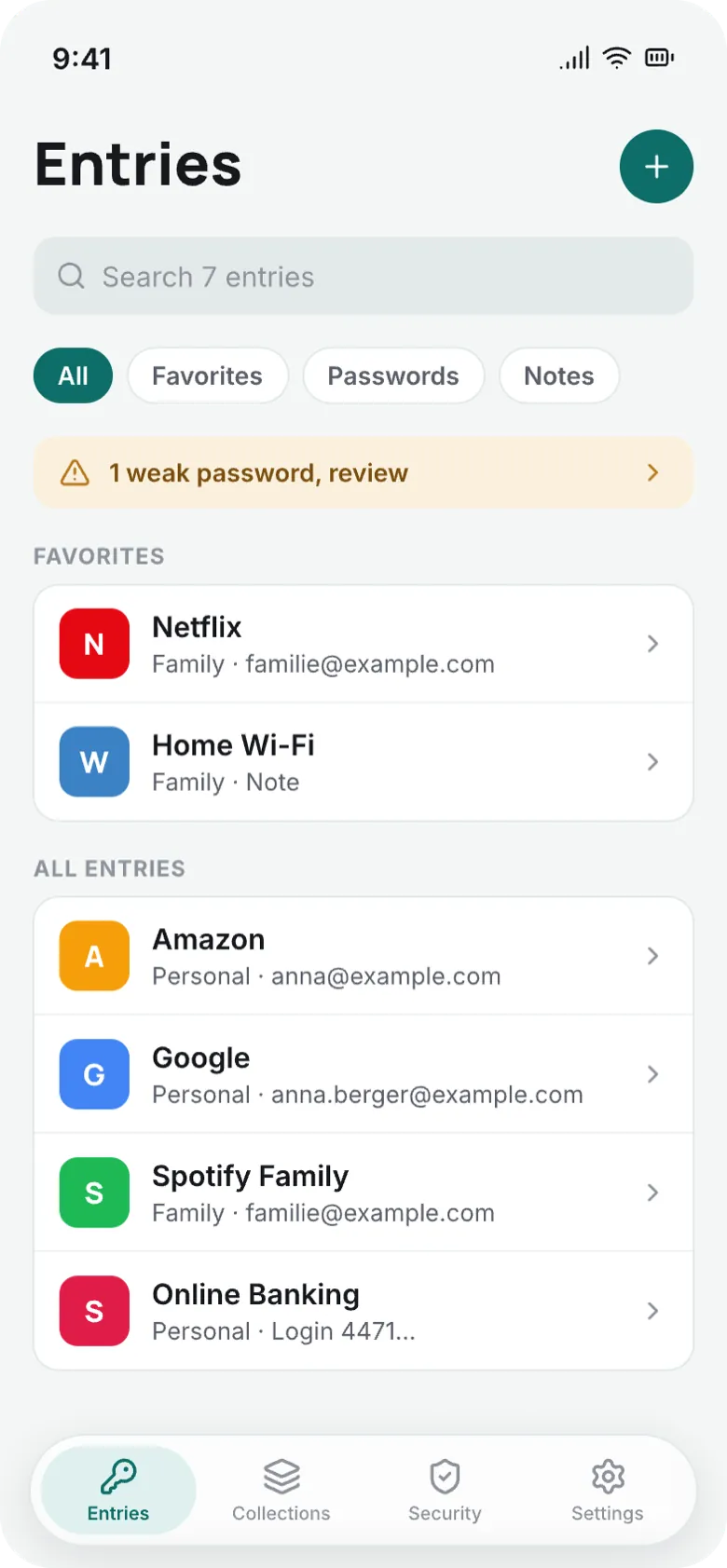
Every login in one place. Stuffmanager fills in the details and tells you which passwords are weak or reused.
- Strong passwords generated for you
- Two factor codes next to the login
- Weak and reused passwords flagged
Passwords, logins and notes in one place. End-to-end encrypted and shared only with the people you choose.
Stuffmanager runs on Mac and Windows. Open this page on your computer to get the app.
What you can store
From passwords to family papers: one encrypted home for the things you cannot afford to lose.
Every login in one place. Stuffmanager fills in the details and tells you which passwords are weak or reused.
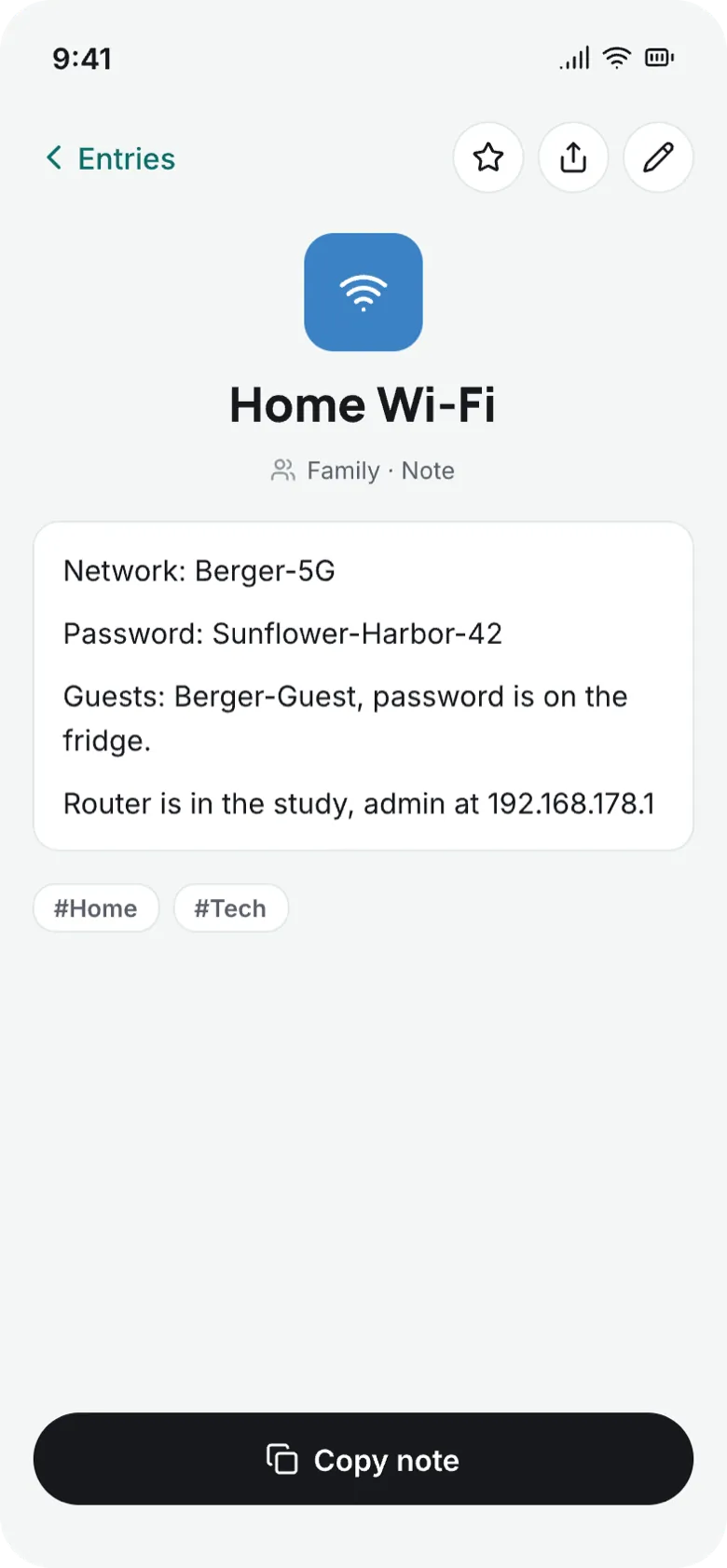
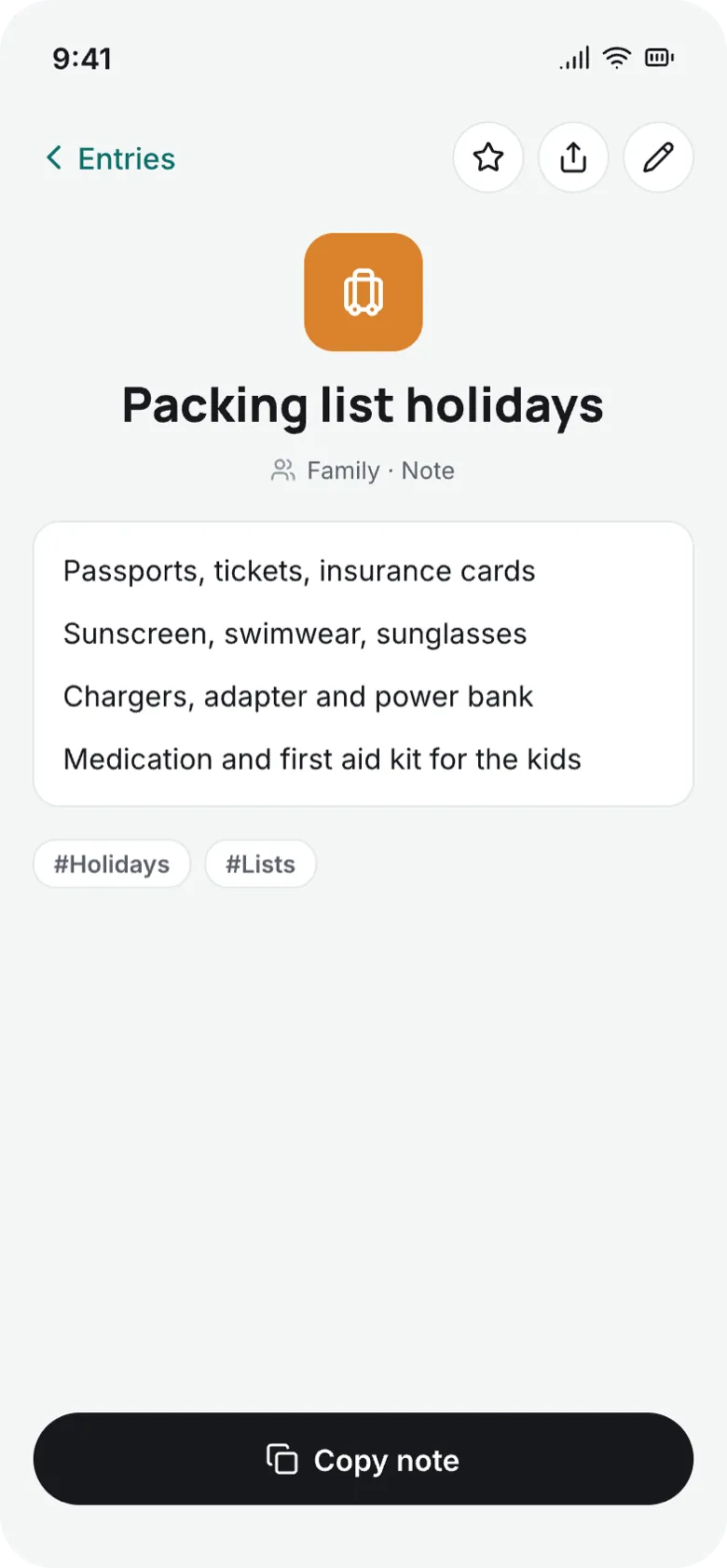
Write it down once and find it again. Notes sit next to your logins, with headings, lists and tables.
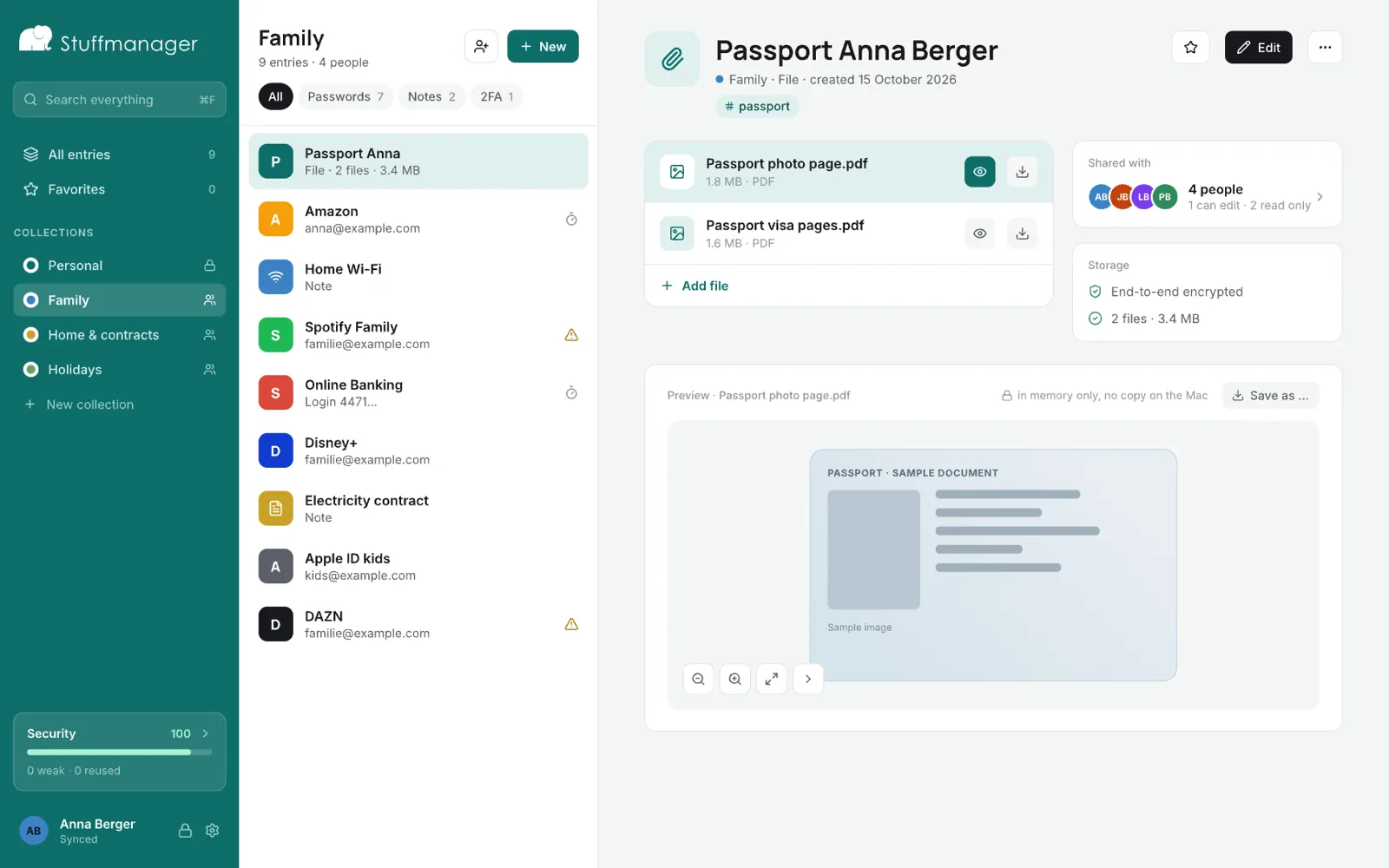
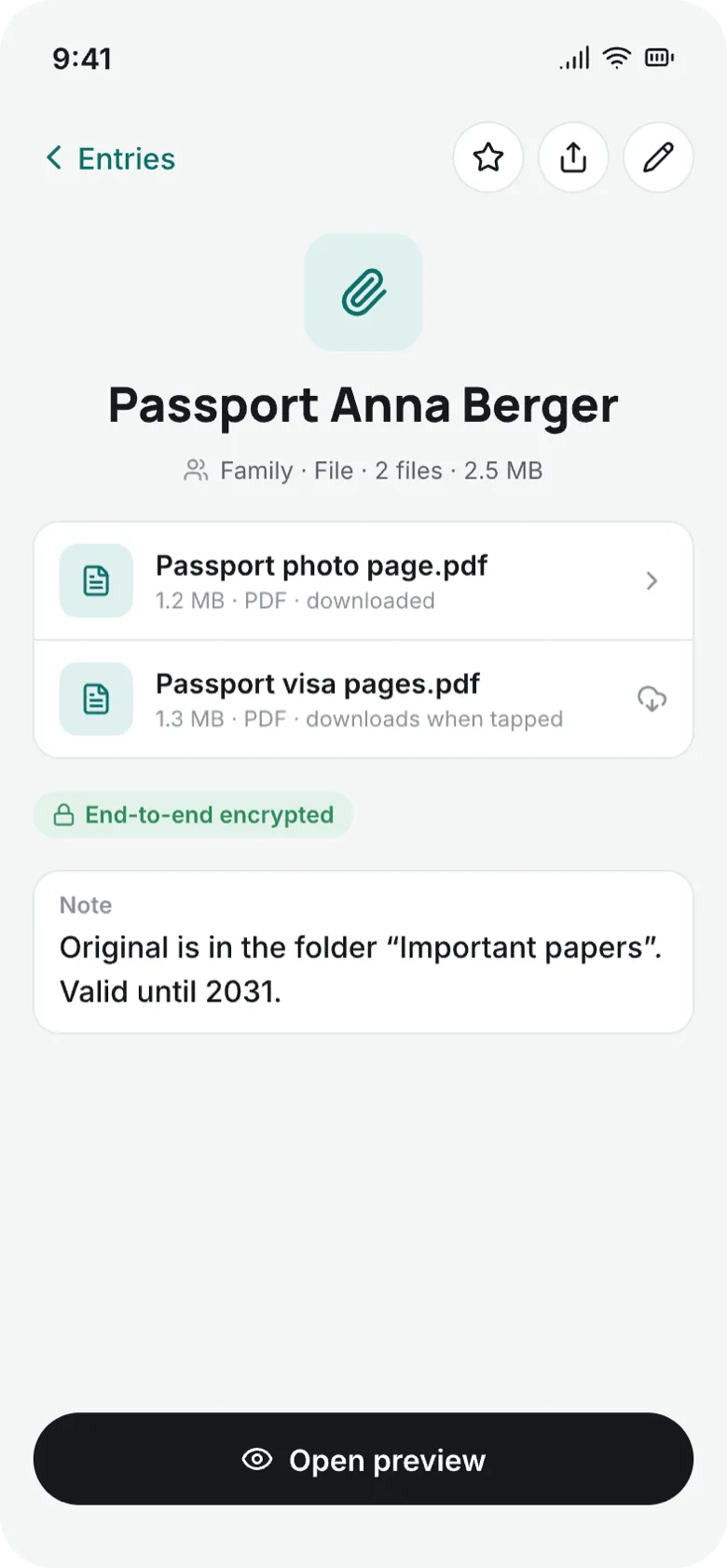
Keep important papers at hand. Contracts, insurance letters and scans stay encrypted and ready on every device.
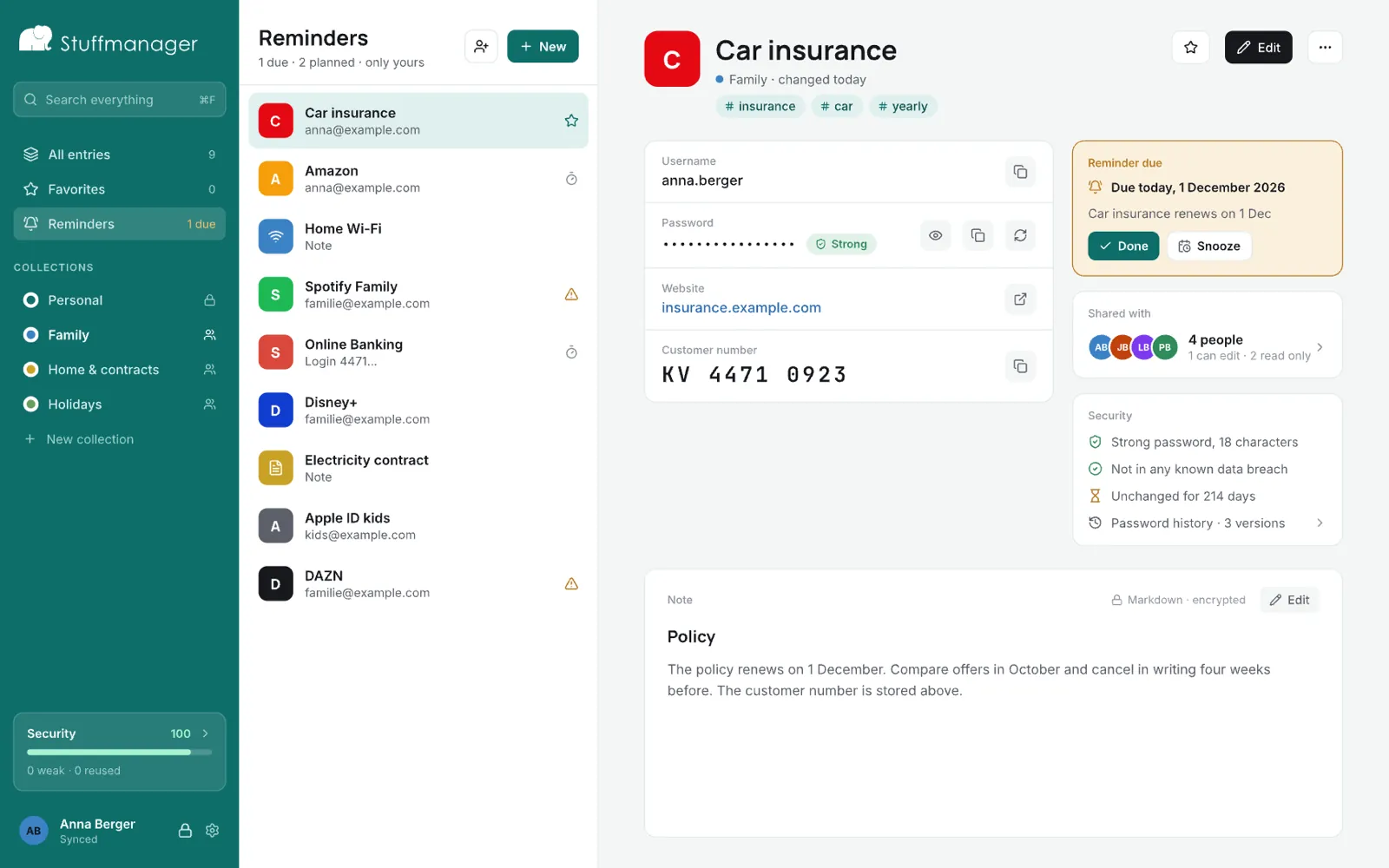
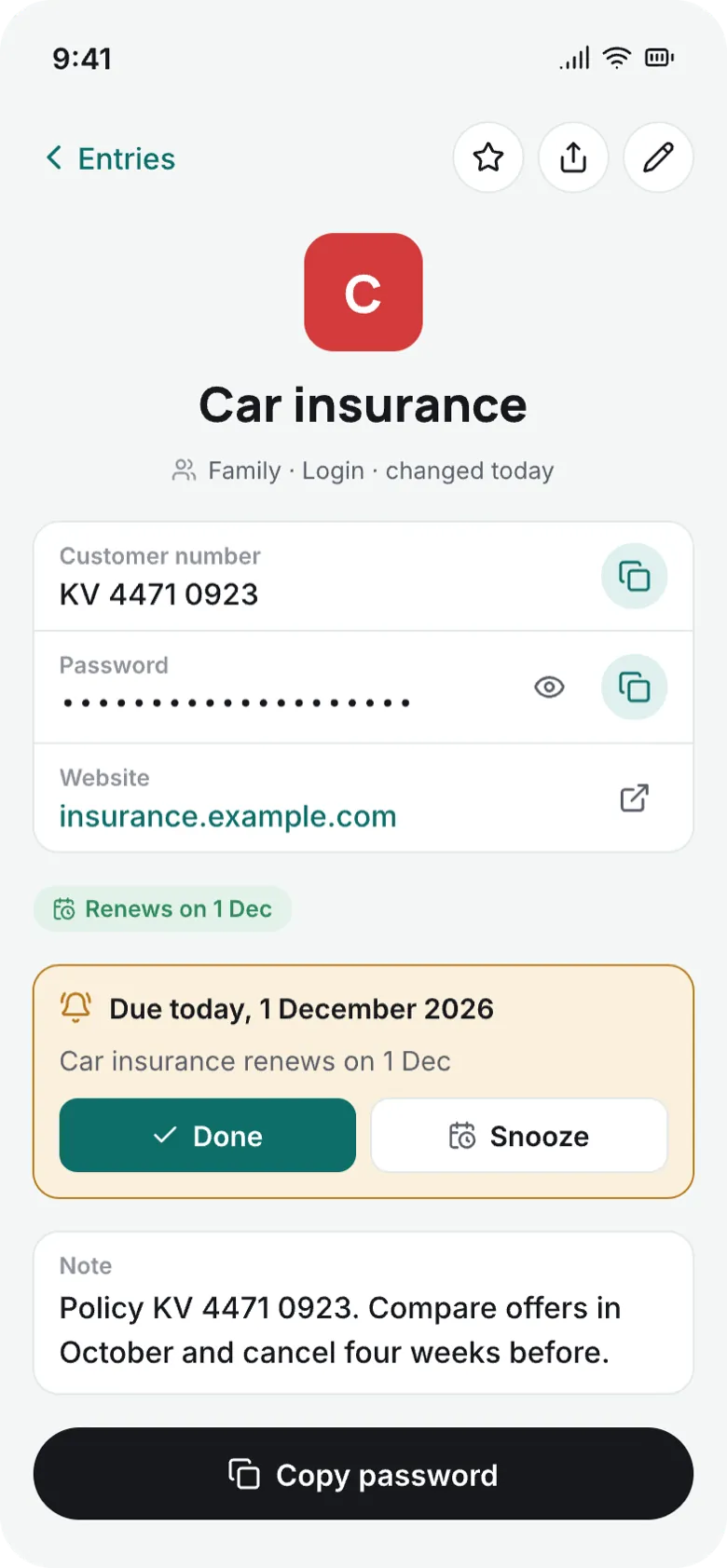
Never miss a renewal. Set a reminder on any entry for a password change, a contract end or an expiry date. You get an email on the morning it's due – no app needs to be open.
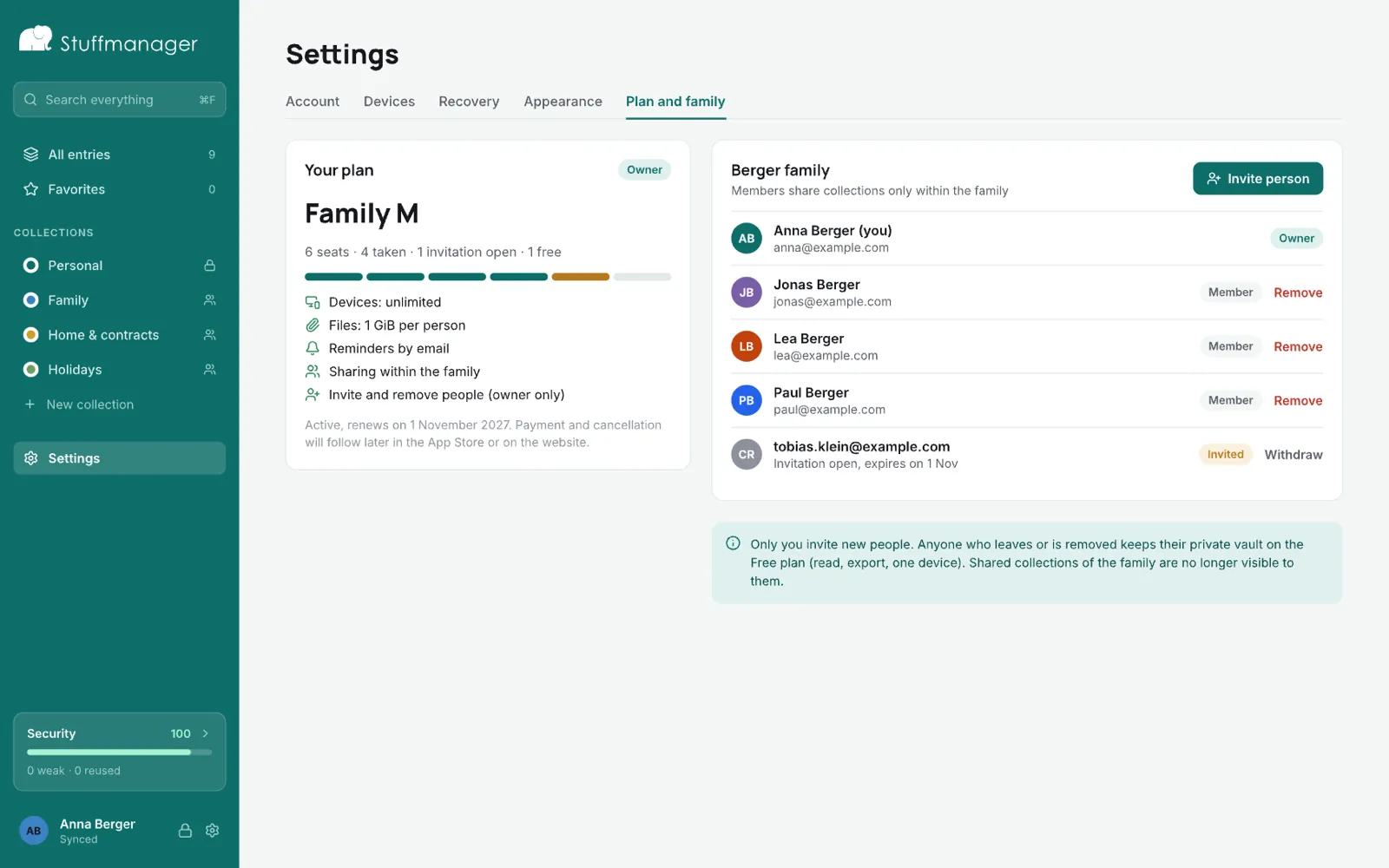
Share what belongs together. Put entries in a collection and invite the people you choose. Everything else stays private.
All versions are equivalent and sync with the same account.
M1, M2, M3, M4 and newer · macOS 12 or newer
Apple chip: Macs from late 2020. Not sure? Apple menu › About This Mac shows the chip or processor.
Intel Macs from 2017 · macOS 12 or newer
Apple chip: Macs from late 2020. Not sure? Apple menu › About This Mac shows the chip or processor.
Windows 10 (64 bit) or newer
On first start Windows shows "Unknown publisher": choose "More info", then "Run anyway".
Coming as an app in the App Store, reachable only through a link. Until then Stuffmanager runs on Mac and Windows.
Accounts exist by invitation only. Signing up on your own is not possible.
Someone who already uses Stuffmanager invites you by email.
Get the app for Mac or Windows. The iPhone app is coming soon.
Only you know it. Your entries are encrypted on your device.
Privacy
Three simple ideas. No technical knowledge needed.
Everything you save is locked with your master password before anything is sent.
Our server never sees your passwords or what is inside, and neither do we.
If you forget your master password, only your recovery words bring your data back.
Your entries are scrambled on your device. Without your master password nobody can open them, not even us.
Stuffmanager runs on a small private server. No ads, no tracking, and your data is never sold or shared.
Share a folder with family or your team. Everyone opens it with their own master password.
Short answers to common questions.
Your recovery words are the only way back in. Write them down and keep them safe. Without them nobody can restore your data, not even us.
Only you and the people you share a collection with. The server and we only see encrypted data.